 July 2, 2026
 3 min read


 TelegramGold signalReceived
BUY XAUUSDBUY
Entry3360.00
Stop Loss3350.00
Take Profit3380.00

 Trading Automation
What TelegramMT4 Cloud actually is: browser copier, no VPS required, Desktop still optional. We built it. Demo first; trading is risky.
 Educational content only. Trading Gold, Forex and CFDs involves substantial risk.
Telegram copier workflowIllustrative automation sequence
TelegramGold signalReceived ParserFields + rulesValidating
 MT4 / MT5Demo orderConfirmed
 TelegramMT4 guide
We build TelegramMT4 Cloud at Telegram Signal Copier, L.L.C. This page is about that product — a browser dashboard that copies Telegram signals to MT4 or MT5 without you leaving a Windows box on overnight.
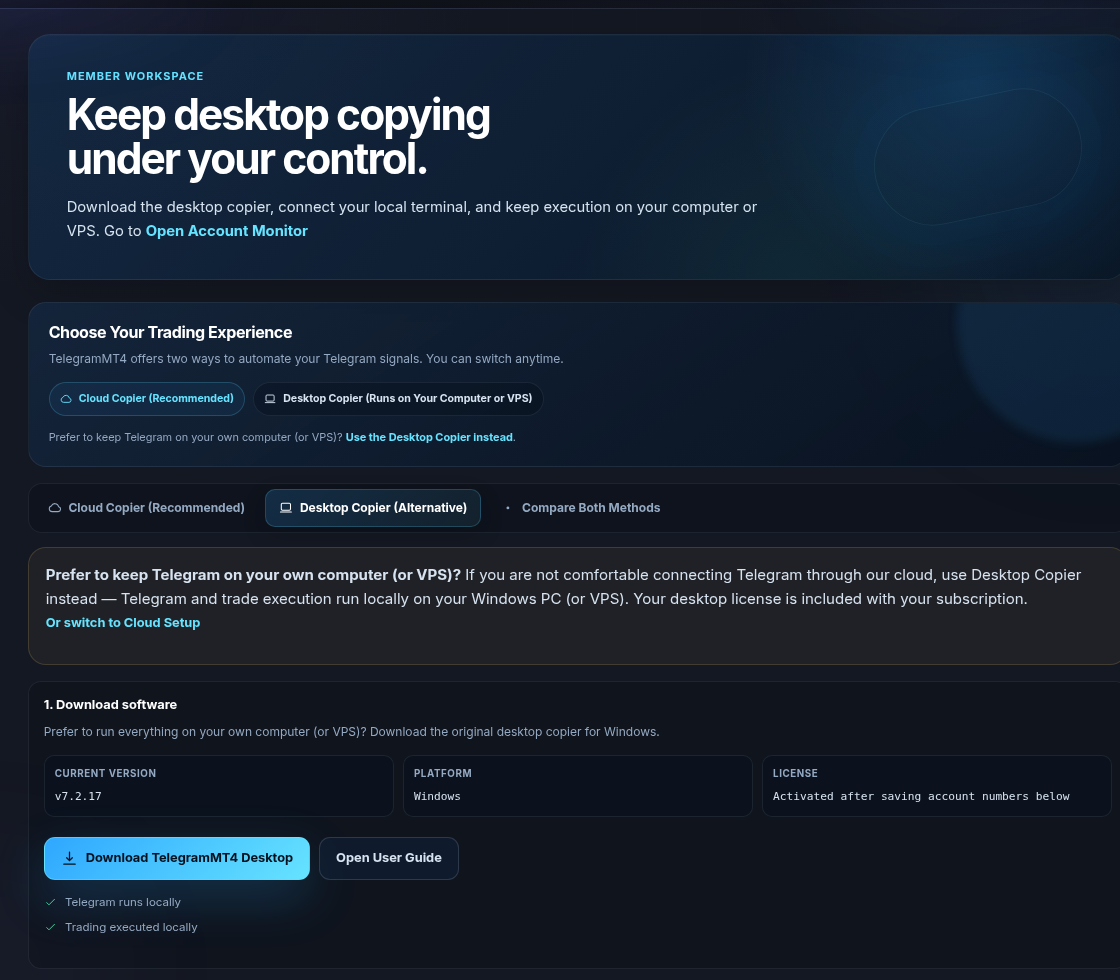
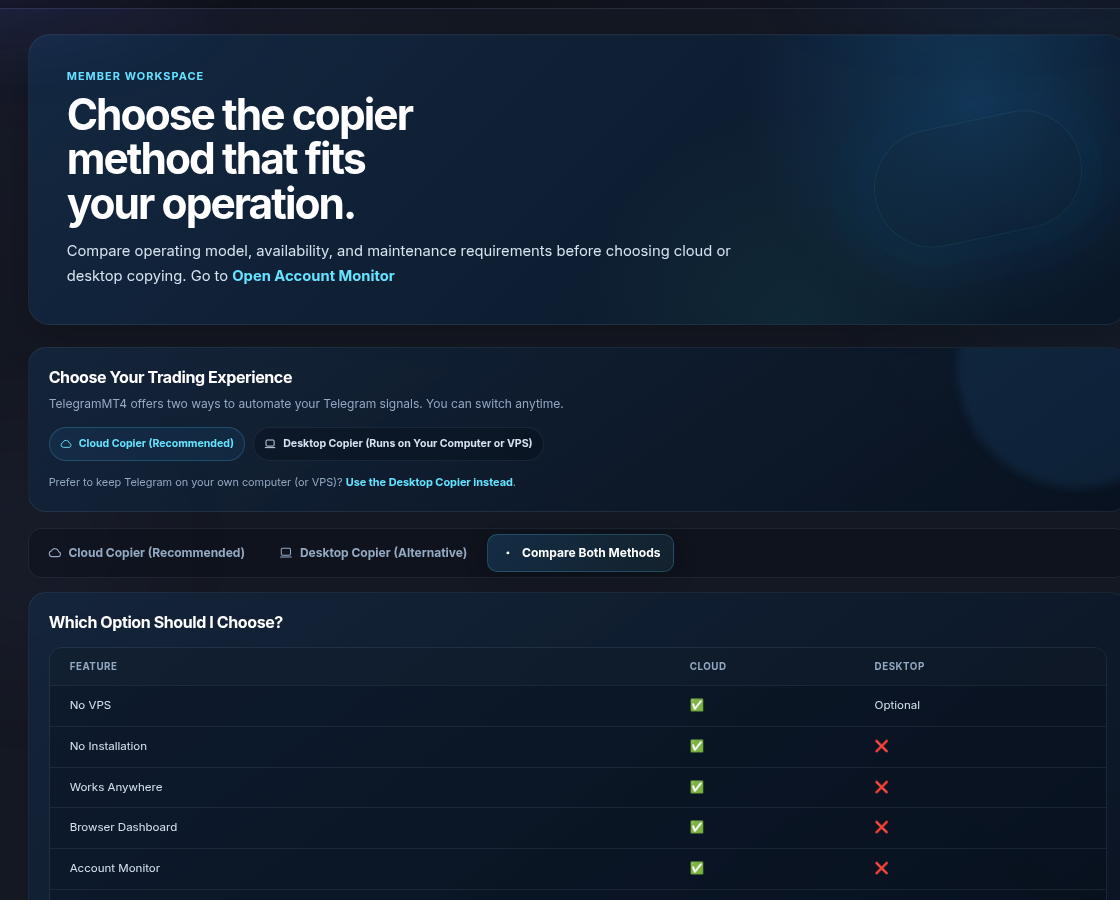
We still ship a Desktop Copier if you want Telegram on your own PC or VPS. Cloud is the default. Desktop is the opt-out. Neither one picks the trade for you. Start on demo. Trading stays risky.
Cloud means the Telegram session and the MetaTrader login live in our environment after you authorize them. You open a browser. You do not install a copier on your laptop for that path. If your lid closes, the copier does not.
It does not mean we are your broker. It does not mean we hold client funds. It does not mean a weak channel becomes a good one.
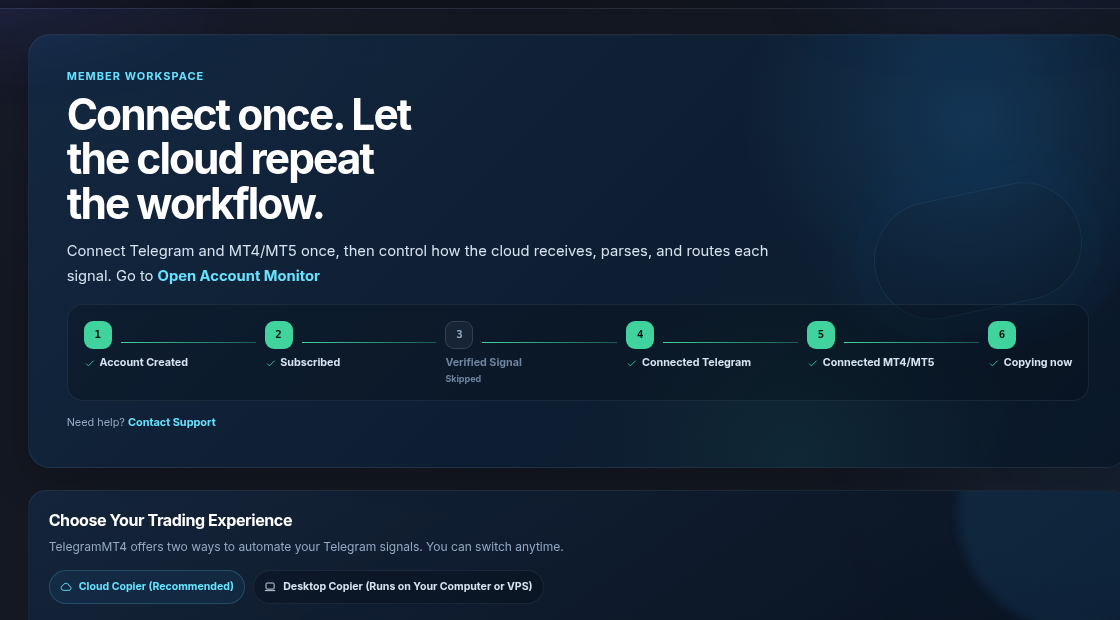
Some operators do not want Telegram authorized through our cloud. Fair. Desktop Copier runs Telegram and execution on a Windows PC or a VPS you rent. The license is part of the same subscription. You download it from Desktop Setup. We did not hide that screen to force Cloud.
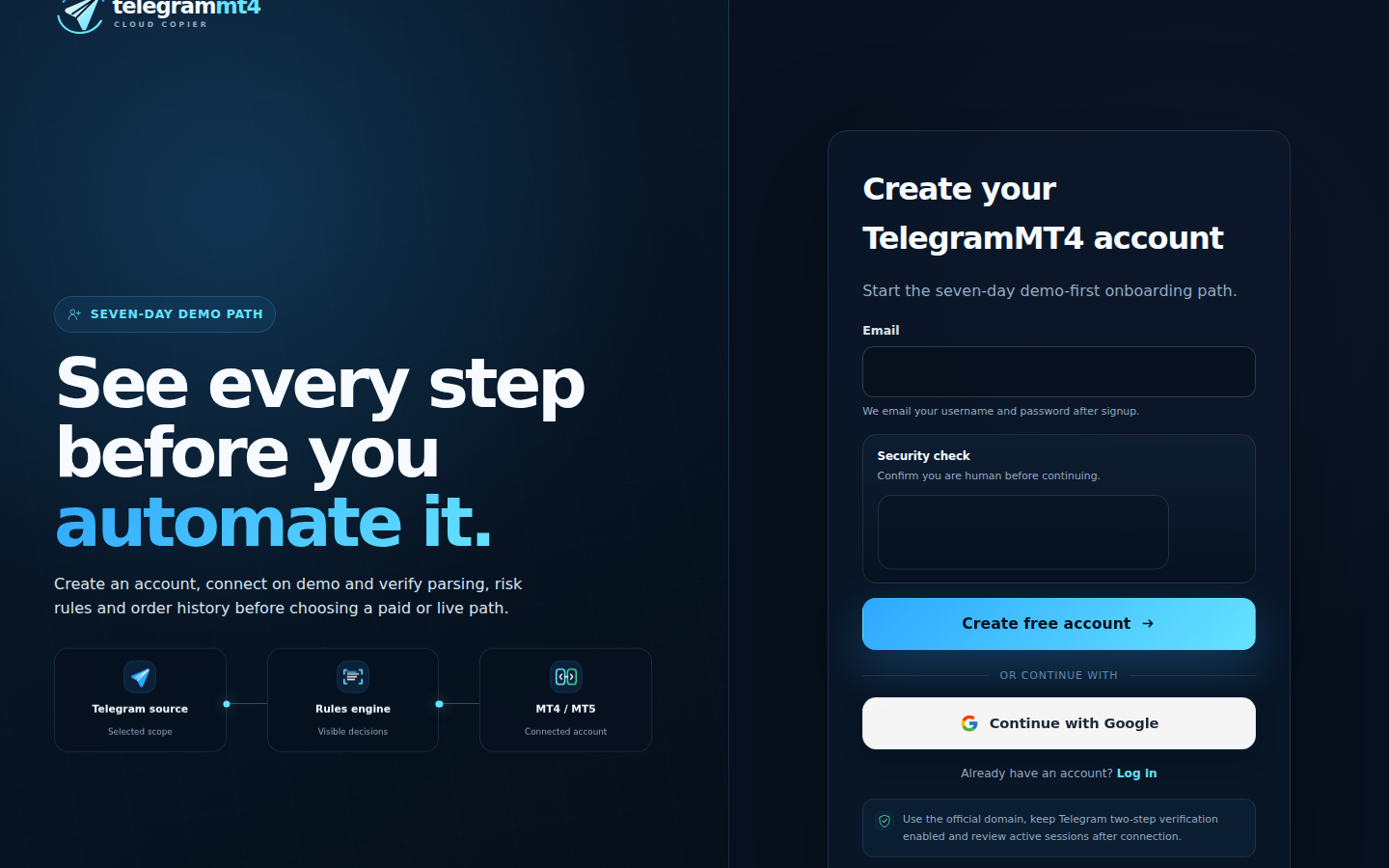
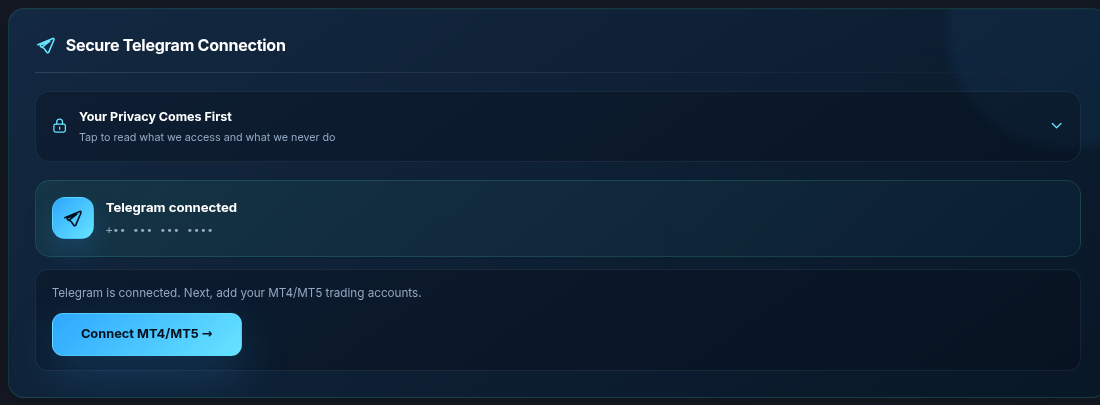
2. Connect Telegram on the Connect Telegram tab. Authorize the channels you want copied. Scope is those sources. See security.
3. Add MT4 or MT5 with broker, server, account number, and the master password. Investor passwords will not work. Set the platform to match the terminal.
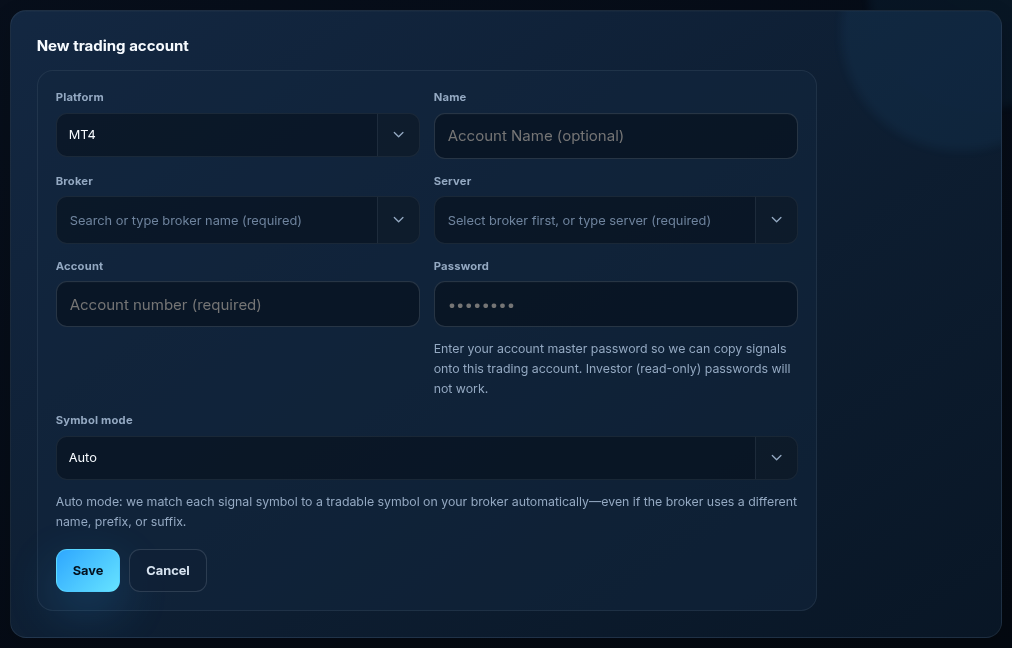
4. Leave Symbol mode on Auto unless you need to pin a prefix, suffix, or equivalents list. Auto matches GOLD, XAUUSD, XAUUSD.a, XAUUSD.pro and similar spellings.

Route channels per account, set lot and caps, watch the first fills on demo. Verified Signal can stay skipped if you are not using our signal product.
No “the future has arrived” launch copy. No millisecond race. No promise that every provider format parses. Cloud is simpler than babysitting a VPS. It is still software sitting on a market that can take the account.
No. Desktop Copier is in the same dashboard if you want Telegram local.
No. Trial is seven days, full features. Then a paid plan, or it stops.
Yes. Our optional signals are not required.
Product page: Cloud Telegram Copier. Trial: 7-day trial. Company: About. Risk: risk disclosure.
The article remains the source of the explanation. This supporting visual simply keeps the product workflow clear while the reader moves through the guide.
A supported XAUUSD message arrives from a Telegram source chosen by the user.
Source visibleDirection, symbol, entry, stop loss and take profit are structured before routing.
Rules visibleThe configured MT4 or MT5 destination receives the order and the event is recorded for review.
Result visibleConnect Telegram and your trading account from the browser dashboard — no VPS, no local install on the cloud path.