 June 30, 2026
 2 min read


 TelegramGold signalReceived
BUY XAUUSDBUY
Entry3360.00
Stop Loss3350.00
Take Profit3380.00

 Trading Automation
A Telegram copier without a VPS means Cloud. Desktop still needs your PC or a VPS. Setup screens from TelegramMT4 Cloud. Demo first.
 Educational content only. Trading Gold, Forex and CFDs involves substantial risk.
Telegram copier workflowIllustrative automation sequence
TelegramGold signalReceived ParserFields + rulesValidating
 MT4 / MT5Demo orderConfirmed
 TelegramMT4 guide
A “Telegram copier no VPS” search usually means: I do not want to rent a Windows server so a desktop app can stay awake. That is Cloud on TelegramMT4. We build it at Telegram Signal Copier, L.L.C.
We also still offer Desktop Copier. That path does need your PC or a VPS online. I will not pretend we deleted desktop to win this keyword. Cloud is the no-VPS product. Desktop is the local one.
A local EA or Windows service only copies while the host is up. Home PCs sleep. Power cuts. Windows updates. So people rented a VPS and left it running. That is a real bill and a real babysitting job, even when the license looked cheap.
Cloud moves the Telegram session and the MT4/MT5 login off that box. Your browser is for setup and watching, not for keeping the process alive.
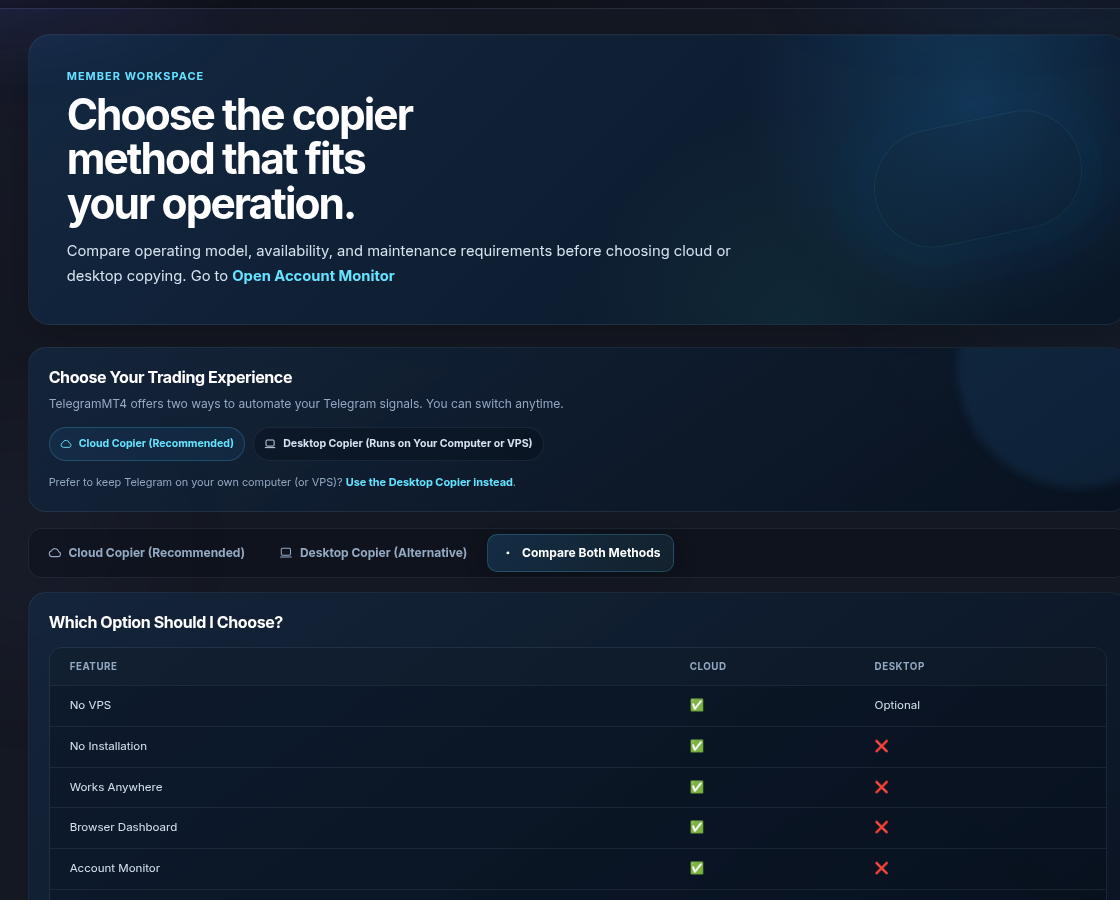
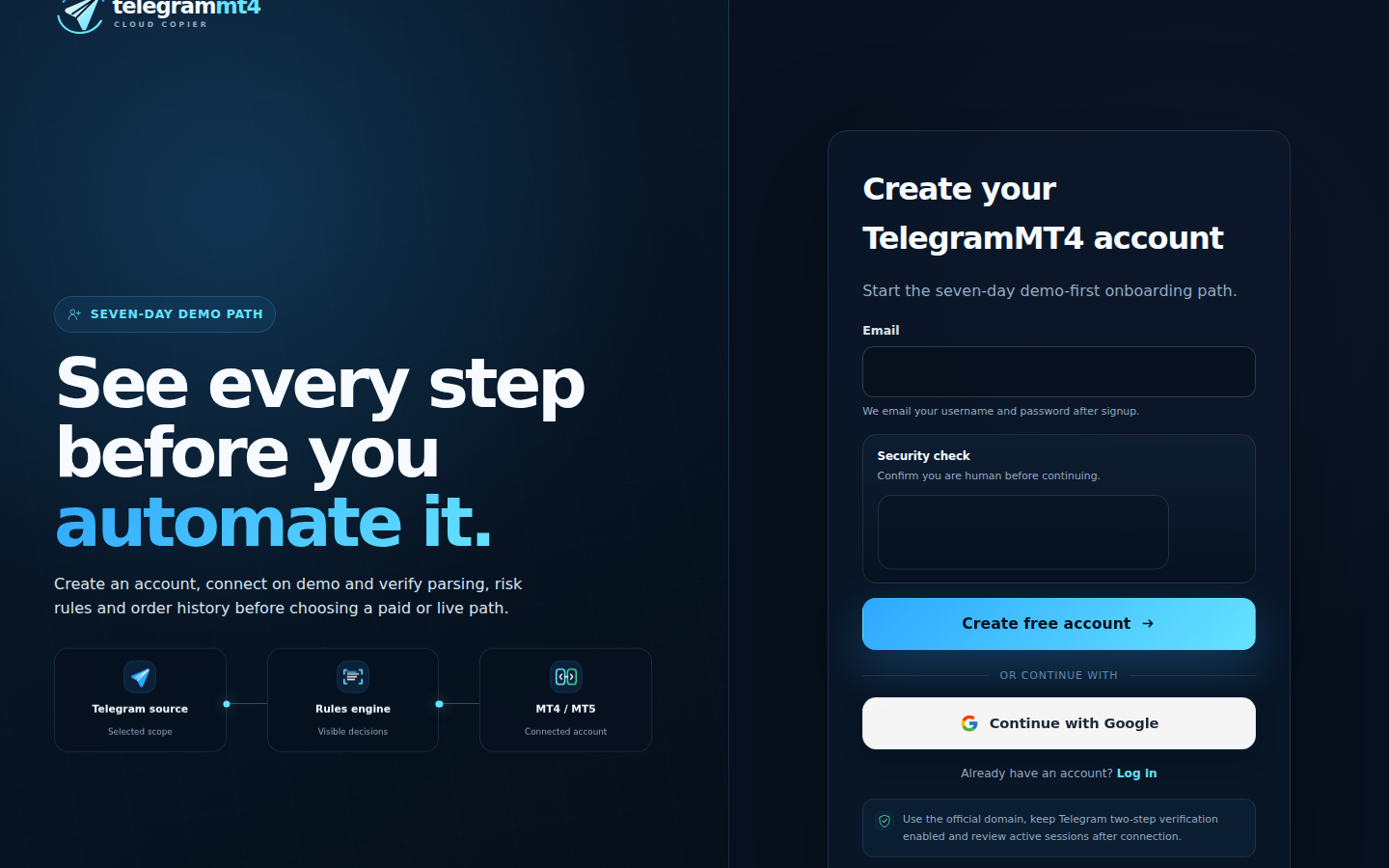
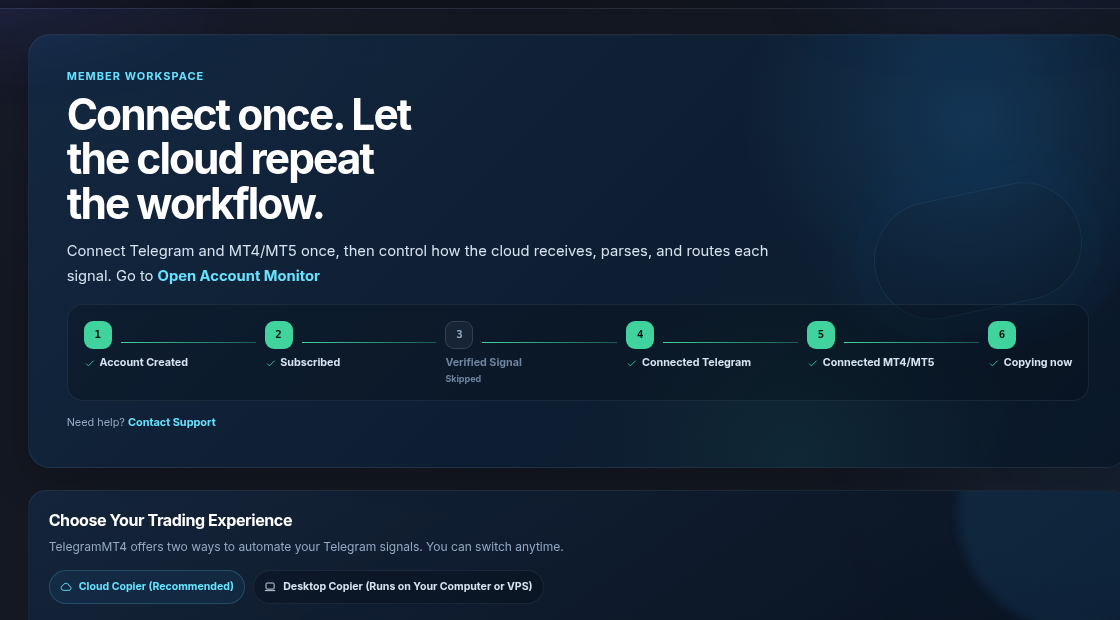
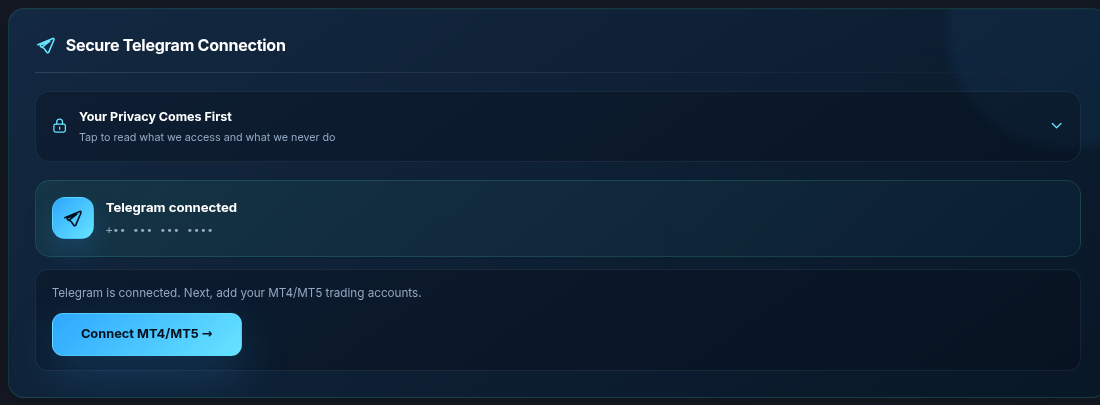
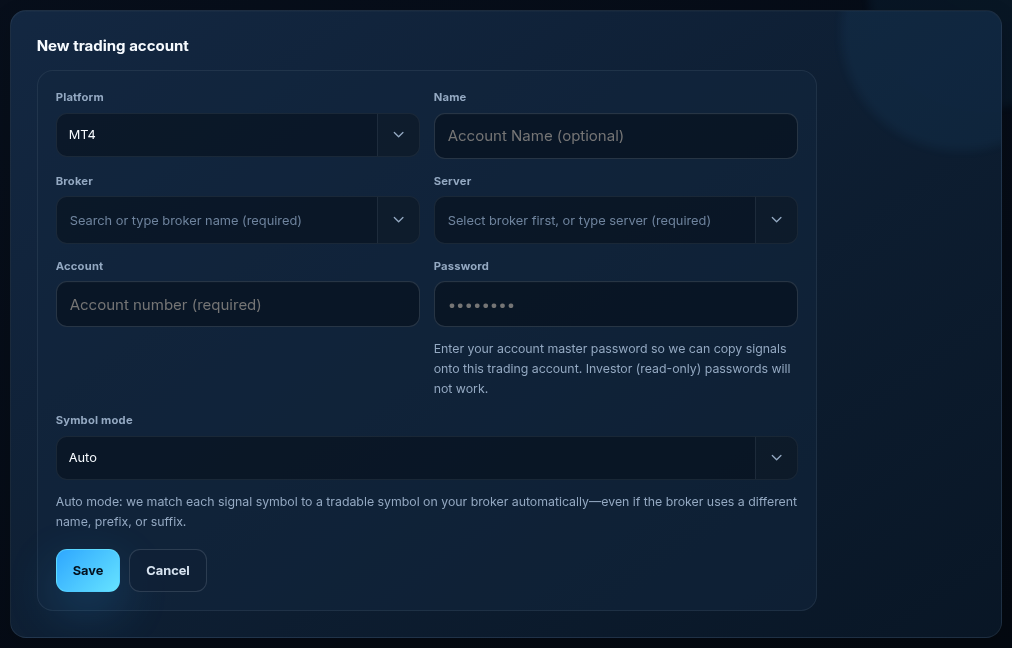
3. Connect Telegram, then MT4 or MT5. Master password on the trading account. Auto symbols unless you need Manual.

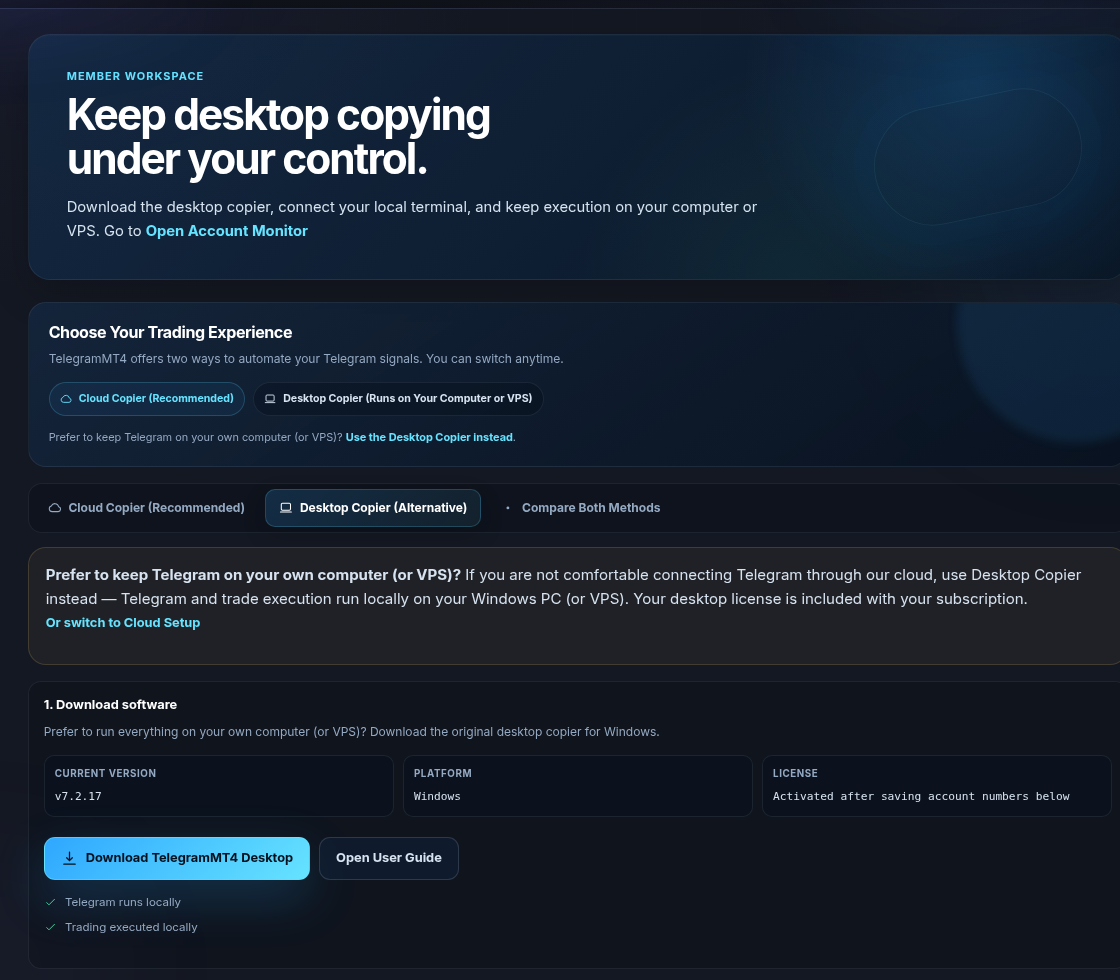
Open Desktop Setup. Download the Windows copier. Telegram and execution stay on that machine. Use this if you refuse to authorize Telegram through our cloud. Your laptop or VPS must stay up. That is the trade-off, stated plainly.
A rejected symbol, a wide gold spread, or a channel that writes novels. The copier cannot invent a Market Watch name that is not there. It cannot make a losing signal win. Demo first. We are software, not a broker.
Yes. Cloud Setup does not ask you to rent one. Desktop does, or your own PC.
Yes. Cloud and Desktop sit next to each other. You can change your mind.
Seven days, same copier as paid. Trial.
Related: Cloud Telegram Signal Copier, No-VPS product page. Company: About. Risk: risk disclosure.
The article remains the source of the explanation. This supporting visual simply keeps the product workflow clear while the reader moves through the guide.
A supported XAUUSD message arrives from a Telegram source chosen by the user.
Source visibleDirection, symbol, entry, stop loss and take profit are structured before routing.
Rules visibleThe configured MT4 or MT5 destination receives the order and the event is recorded for review.
Result visibleConnect Telegram and your trading account from the browser dashboard — no VPS, no local install on the cloud path.