 July 14, 2026
 2 min read

 TelegramGold signalReceived
BUY XAUUSDBUY
Entry3360.00
Stop Loss3350.00
Take Profit3380.00

 Trading Automation
How we compare Telegram trade copiers in 2026: Cloud vs Desktop, Auto symbols, master password, 7-day full-access trial. We build TelegramMT4 Cloud.
 Educational content only. Trading Gold, Forex and CFDs involves substantial risk.
Telegram copier workflowIllustrative automation sequence
TelegramGold signalReceived ParserFields + rulesValidating
 MT4 / MT5Demo orderConfirmed
 TelegramMT4 guide
“Best Telegram trade copier” is a shopping query. We sell one: TelegramMT4 Cloud, built by Telegram MT4 Copier LTD. This page is how we would compare ours to a desktop EA or a VPS box, not a fake league table with invented latency.
A trade copier here means Telegram message → MT4 or MT5 order. It is not a guaranteed profit tool. Demo first.
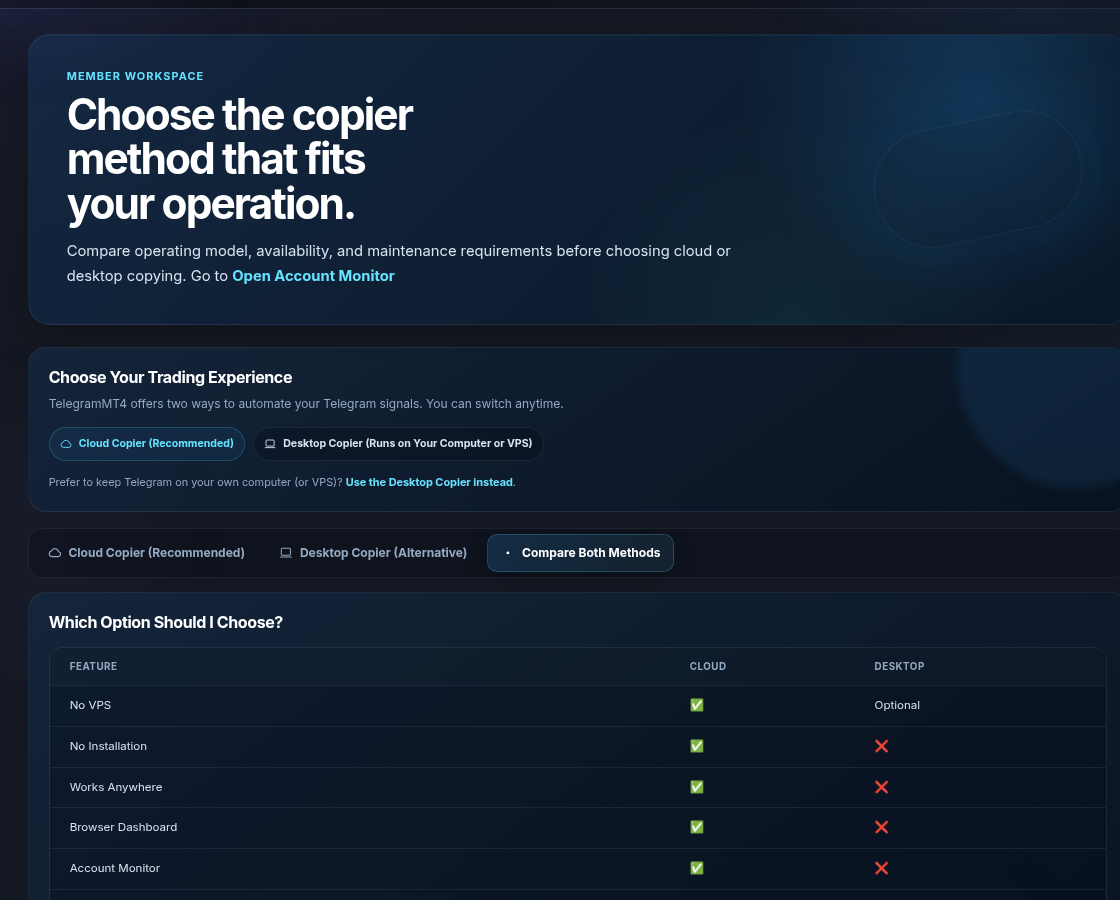
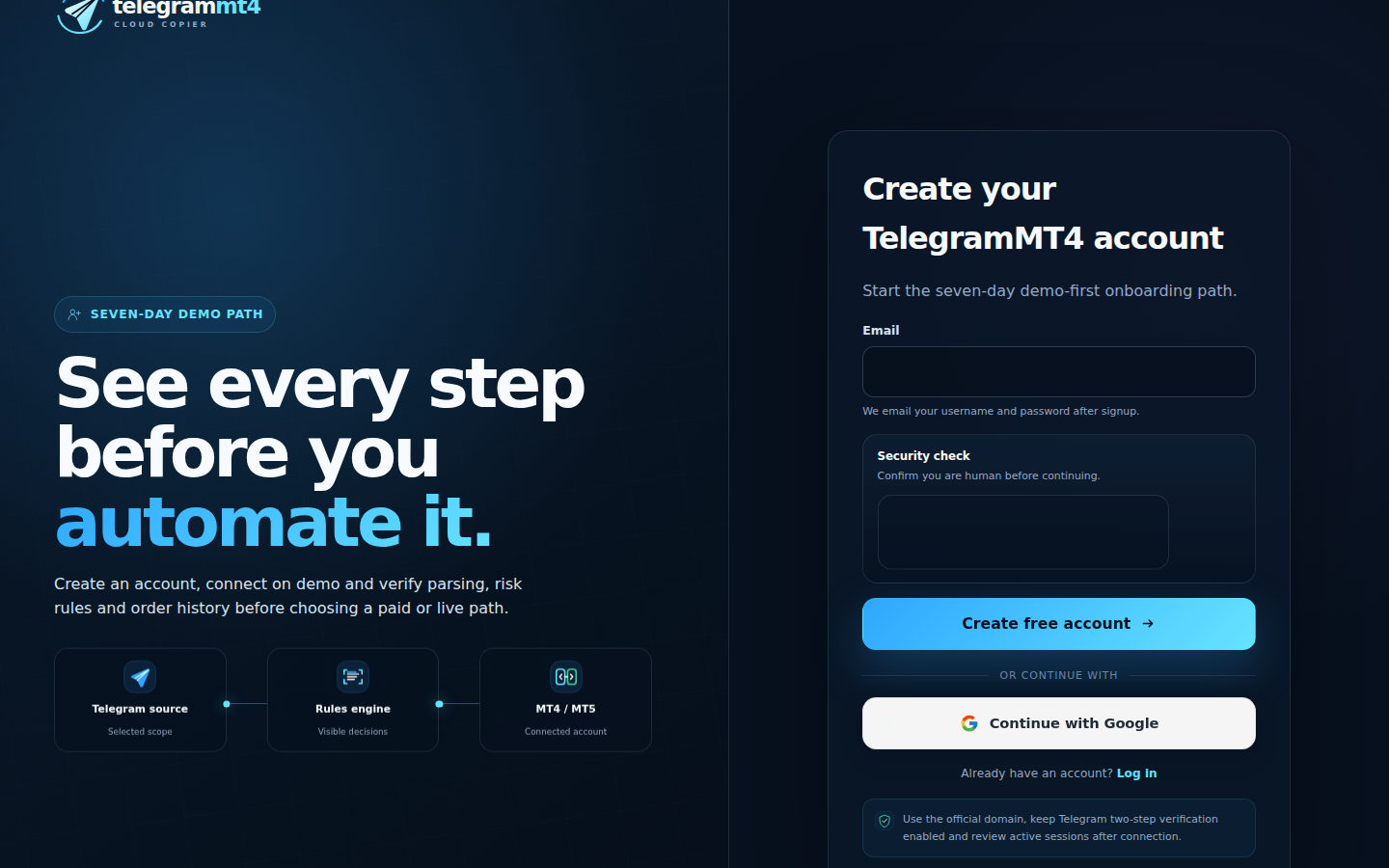
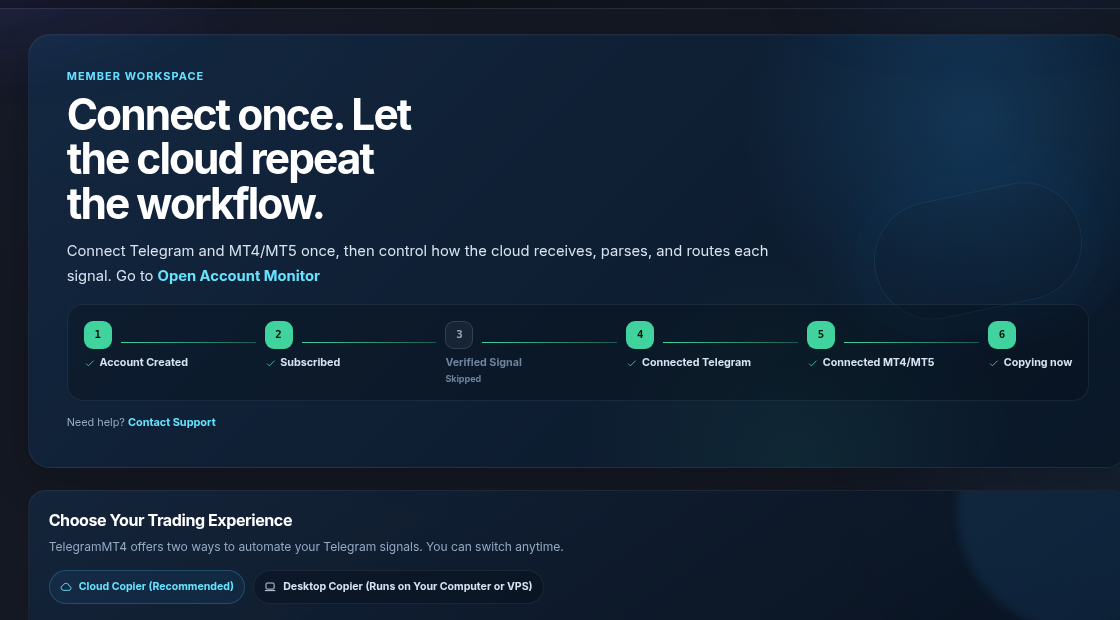
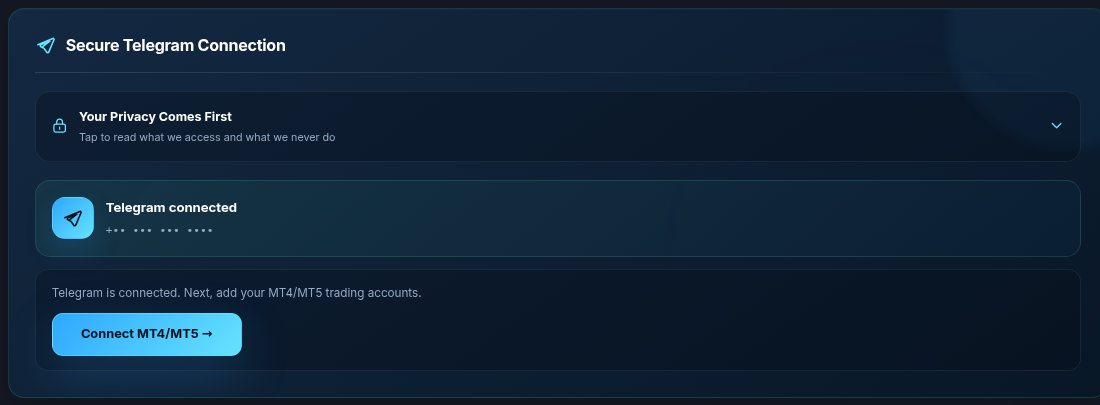
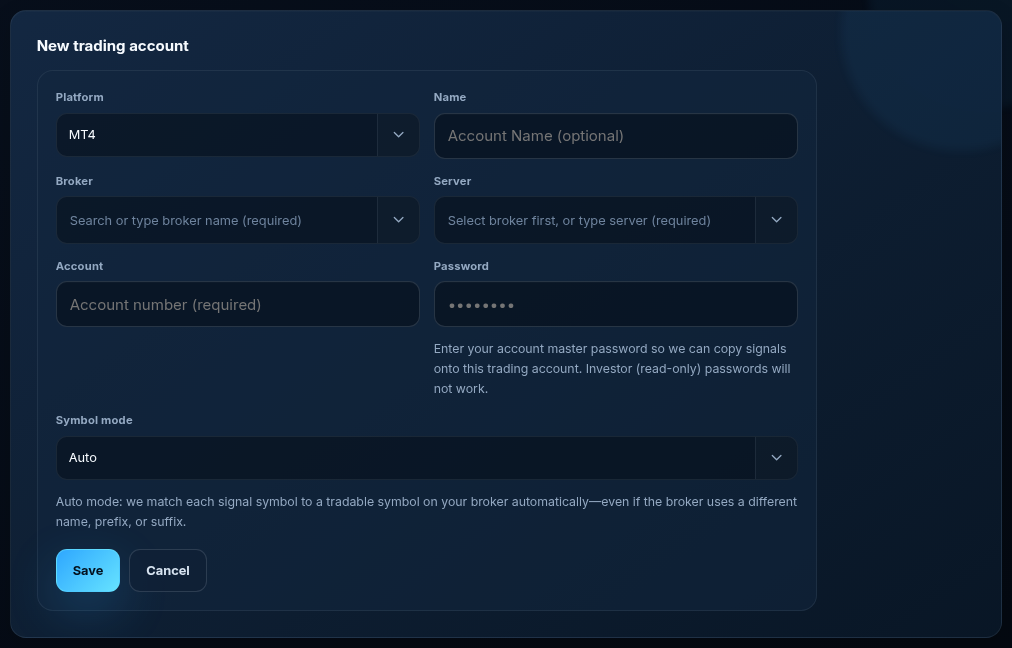
Sign up. Cloud Setup. Connect Telegram. Add MT4 or MT5. Tick channels. Start when you mean to copy.

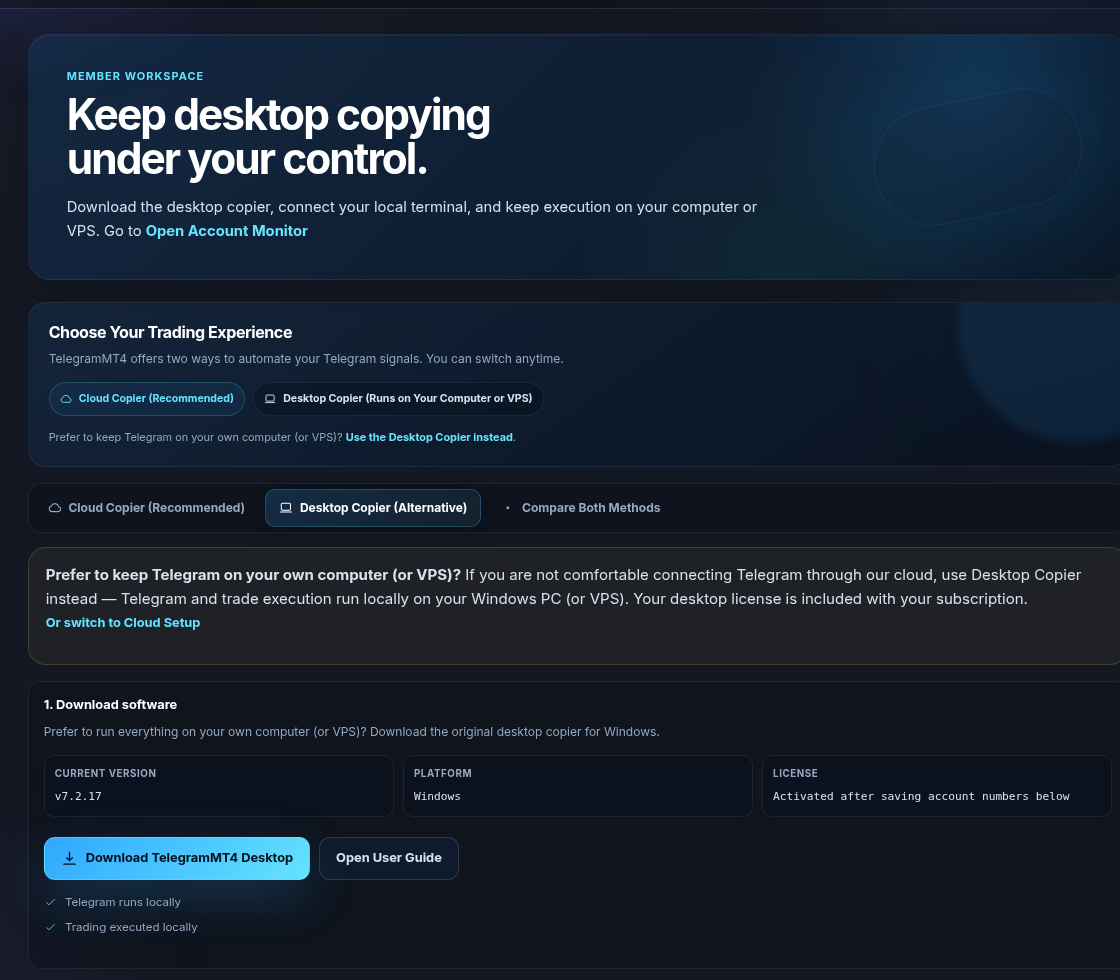
You will not authorize Telegram through our cloud. You already pay for a VPS. You want the Windows app next to the terminal. Download Desktop Copier. Keep that machine up. That can be the “best” copier for that constraint. We still sell it.
Fastest fill at every broker. A signal channel that never loses. A security sticker instead of a real Security page. We point at that page and About.
Seven-day full-access trial, then a plan. Trial.
Both. Pick the platform that matches the account.
Related: Copiers compared, Signal automation. Risk: risk disclosure.
The article remains the source of the explanation. This supporting visual simply keeps the product workflow clear while the reader moves through the guide.
A supported XAUUSD message arrives from a Telegram source chosen by the user.
Source visibleDirection, symbol, entry, stop loss and take profit are structured before routing.
Rules visibleThe configured MT4 or MT5 destination receives the order and the event is recorded for review.
Result visibleBrowse live providers, open analysis, then subscribe and copy into MT4 or MT5 — or publish your own strategy.