 July 1, 2026
 3 min read

 TelegramGold signalReceived
BUY XAUUSDBUY
Entry3360.00
Stop Loss3350.00
Take Profit3380.00

 Trading Automation
Manual Telegram trading vs a copier. When to stay at the keyboard, when Cloud helps, and when Desktop is the better opt-out.
 Educational content only. Trading Gold, Forex and CFDs involves substantial risk.
Telegram copier workflowIllustrative automation sequence
TelegramGold signalReceived ParserFields + rulesValidating
 MT4 / MT5Demo orderConfirmed
 TelegramMT4 guide
Manual trading means you read Telegram and type the order into MT4 or MT5. A Telegram copier means the software does that typing under rules you set. We build the copier side: TelegramMT4 Cloud, Telegram MT4 Copier LTD.
Which is better depends on whether you are actually at the desk, and whether you trust the channel enough to let a machine fire it while you sleep. I will not sell “automation always wins.” A copier makes a bad signal arrive on time.
| Manual | Telegram copier (Cloud) | |
|---|---|---|
| Who places the order | You | The cloud, after you connect Telegram and MT4/MT5 |
| When you must be present | Every signal | Setup, then review |
| Typical failure | Late, skipped, or mistyped | Parser miss, rejected symbol, size you set too large |
| VPS | No | No on Cloud. Yes (or your PC) if you pick Desktop |
| Judgement on the idea | You can skip a dumb call | It will not skip unless you filter the channel |
Manual is better when you only take two gold calls a week and you want to pass on half of them. A copier is better when the channel is already your plan and you are tired of being in the car when it prints.
If you automate on our Cloud product, the screens are not mysterious. You create an account, connect Telegram, add the terminal, leave symbols on Auto.
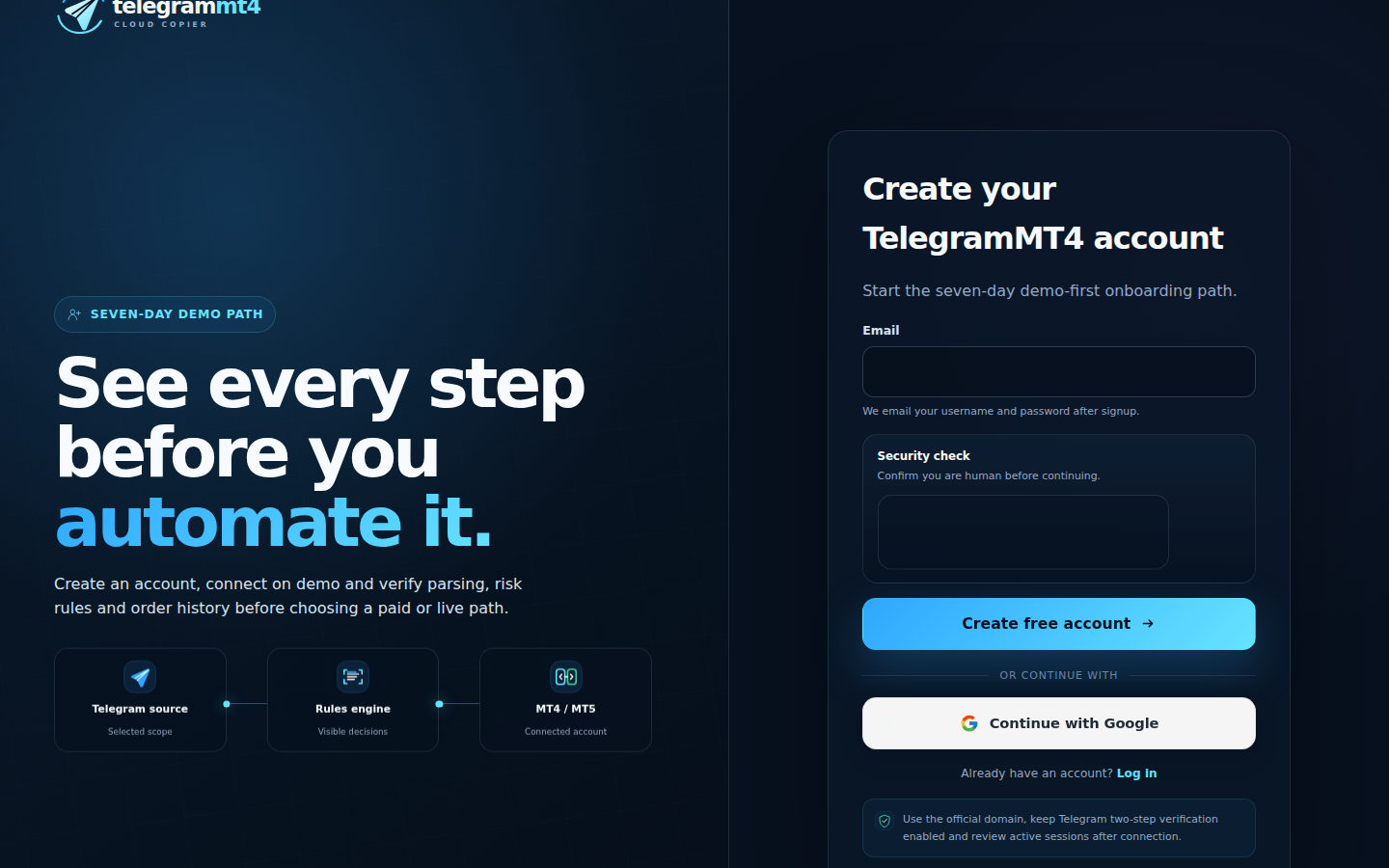
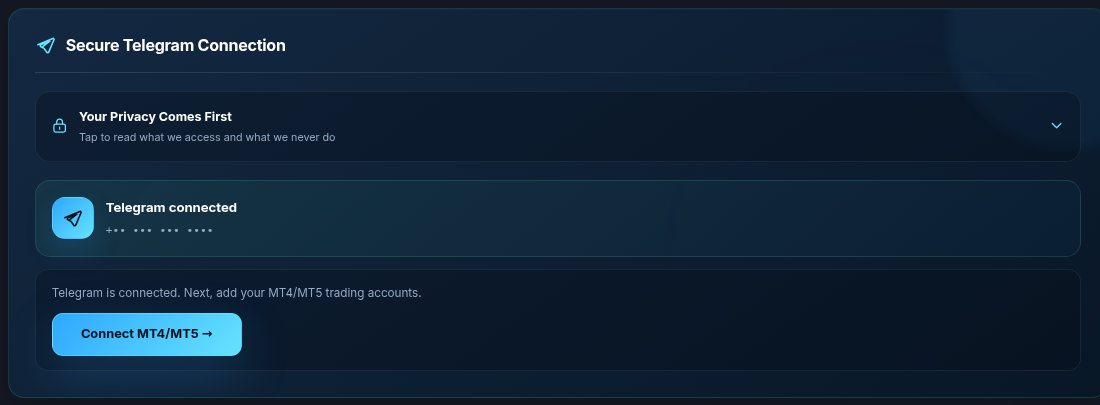
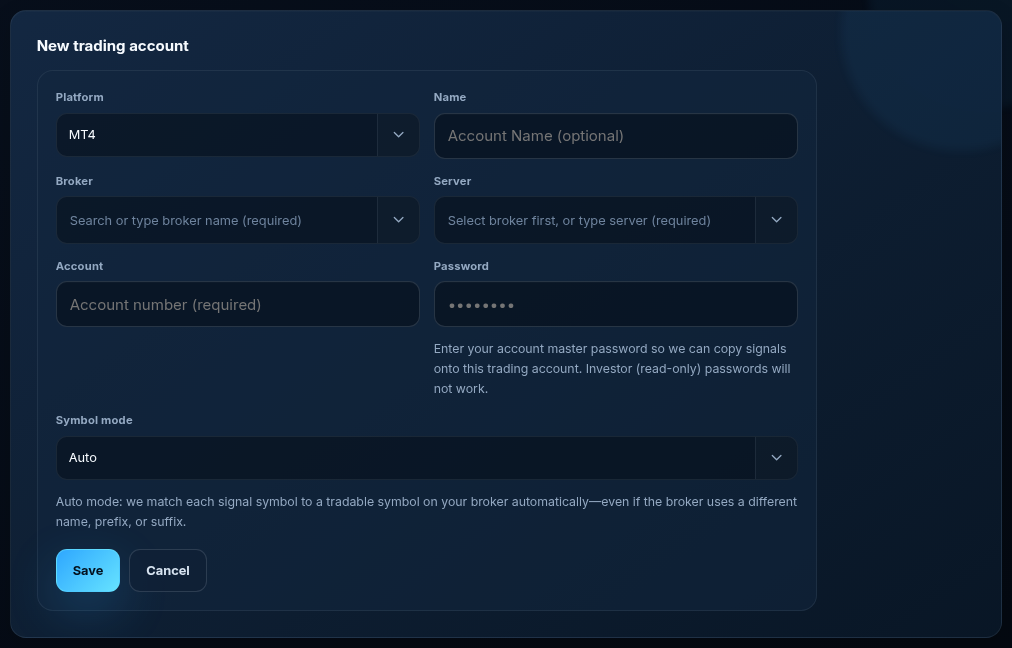

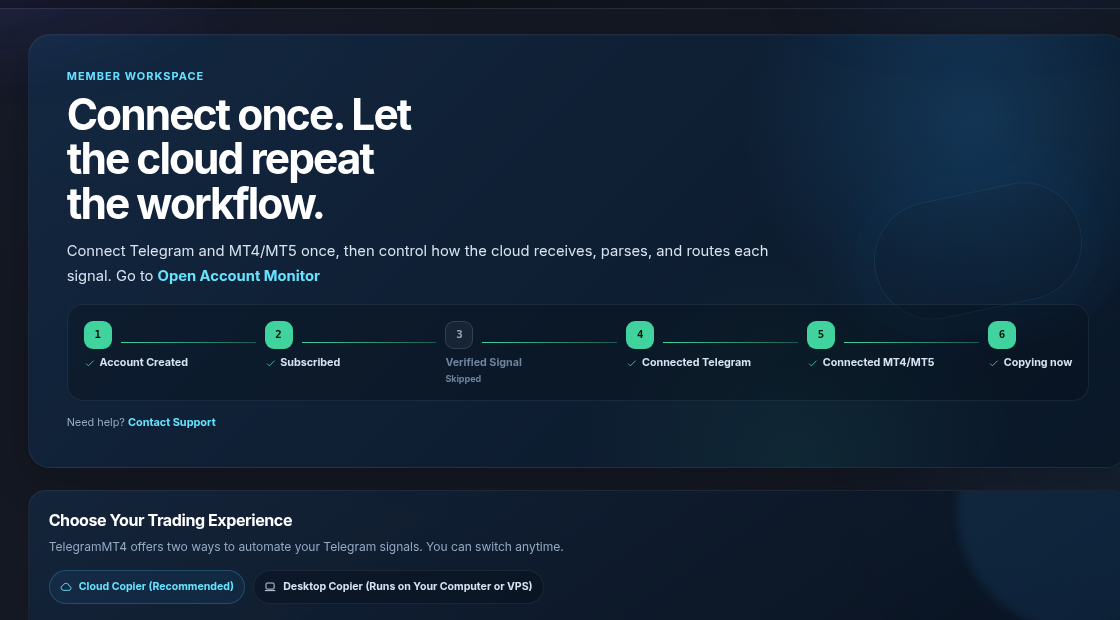
Manual traders tell themselves they have “full control” and then skip the SL because the candle looks fine. Copier users tell themselves they have “discipline” and then attach three gold channels to a live cent account at 0.10 lots.
Control is the lot cap and which channels you enable. Presence is optional only after that is boringly correct on demo.
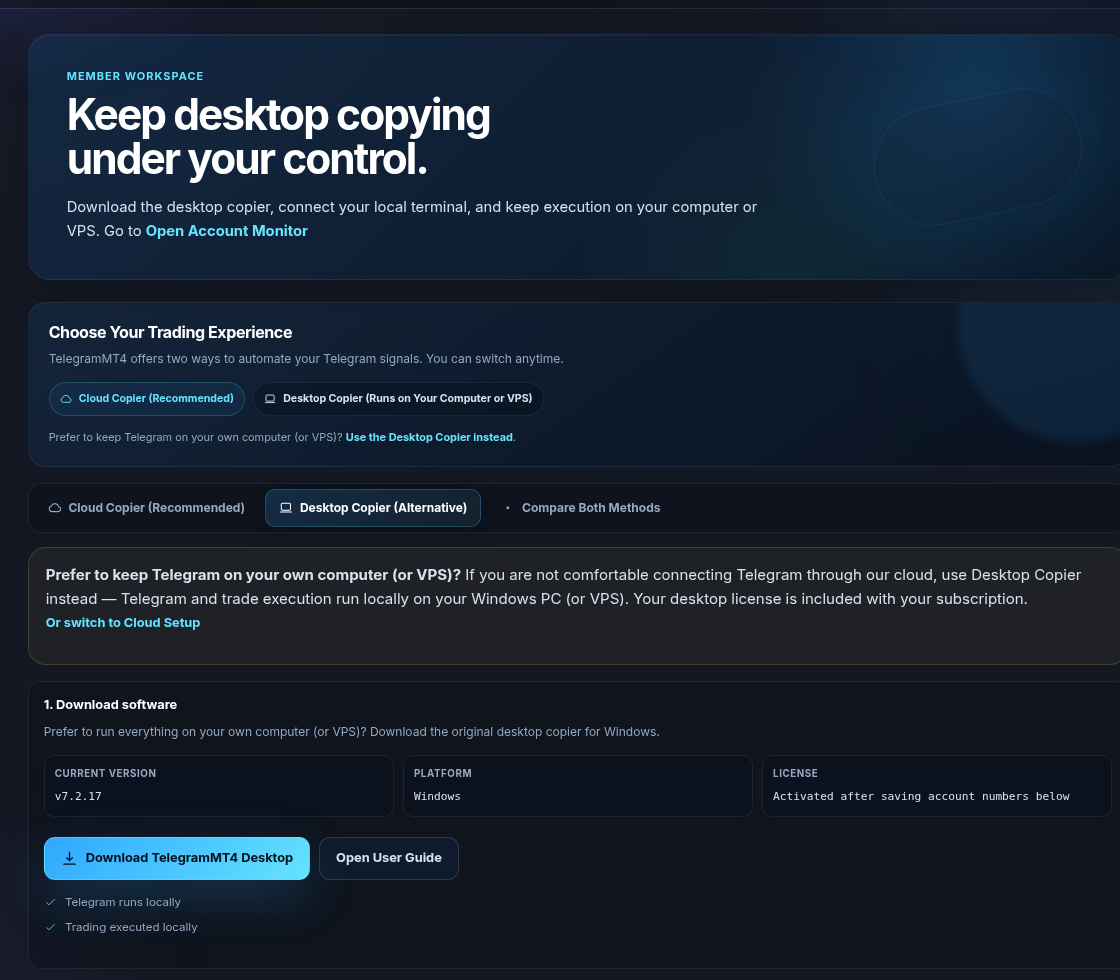
If you want automation but refuse our cloud Telegram session, Desktop Copier is closer to “a program on my VPS.” That is still not manual trading. It is a local copier. Your Windows host must stay up.
Stay manual if you filter every call. Use Cloud if the channel is already approved and you miss fills when you leave the room. Use Desktop if the blocker is “I will not authorize Telegram in your cloud,” not “I want to think about each trade.”
We are not a broker. Automation does not remove market risk. Risk disclosure.
Usually, if you are not sitting on the terminal. I will not publish a fake millisecond table. Test one signal on demo and look at the clock yourself.
Yes. Copy one quiet channel. Keep a second channel manual. Do not point everything at every account “just to see.”
Not on Cloud. No-VPS guide.
Trial: 7-day full access. Company: About.
The article remains the source of the explanation. This supporting visual simply keeps the product workflow clear while the reader moves through the guide.
A supported XAUUSD message arrives from a Telegram source chosen by the user.
Source visibleDirection, symbol, entry, stop loss and take profit are structured before routing.
Rules visibleThe configured MT4 or MT5 destination receives the order and the event is recorded for review.
Result visibleConnect Telegram and your trading account from the browser dashboard — no VPS, no local install on the cloud path.