 July 16, 2026
 3 min read

 TelegramGold signalReceived
BUY XAUUSDBUY
Entry3360.00
Stop Loss3350.00
Take Profit3380.00

 Trading Automation
Using a Telegram copier on a prop-firm MT4/MT5 account. Check the firm's rules first. Cloud setup, lot caps, demo. Not a pass-the-challenge tool.
 Educational content only. Trading Gold, Forex and CFDs involves substantial risk.
Telegram copier workflowIllustrative automation sequence
TelegramGold signalReceived ParserFields + rulesValidating
 MT4 / MT5Demo orderConfirmed
 TelegramMT4 guide
A Telegram signal copier for prop firm traders is the same Cloud copier, used on an account the firm gave you. It is not a “pass the challenge” tool. We build TelegramMT4 Cloud at Telegram MT4 Copier LTD. Read the firm’s rules before you connect anything.
Many firms ban EAs, copy trading, or “third-party signals.” If they ban copy trading or third-party signals, we will not tell you to hide the copier. Use a personal demo or a firm that allows it. Demo first either way.
On the EA point: TelegramMT4 Cloud does not install an Expert Advisor in MetaTrader. Orders are sent through the broker connection, so you will not see TelegramMT4 under Navigator → Expert Advisors. That is only a description of where the software runs. It is not a way to avoid a firm’s rules. Detection and enforcement differ by firm. They still see every order on the account they issued. If the firm restricts copy trading, third-party signals, or automation, do not connect that account. Ask the firm, or use a personal demo.
Our channel settings can cap lots, skip words, and limit symbols. They cannot invent a rule the firm did not write. If the provider sends 2.00 lots and the firm max is 0.10, you set the lot yourself. If you do not, the copier will send what you configured — or what the signal said, depending on lots copy.
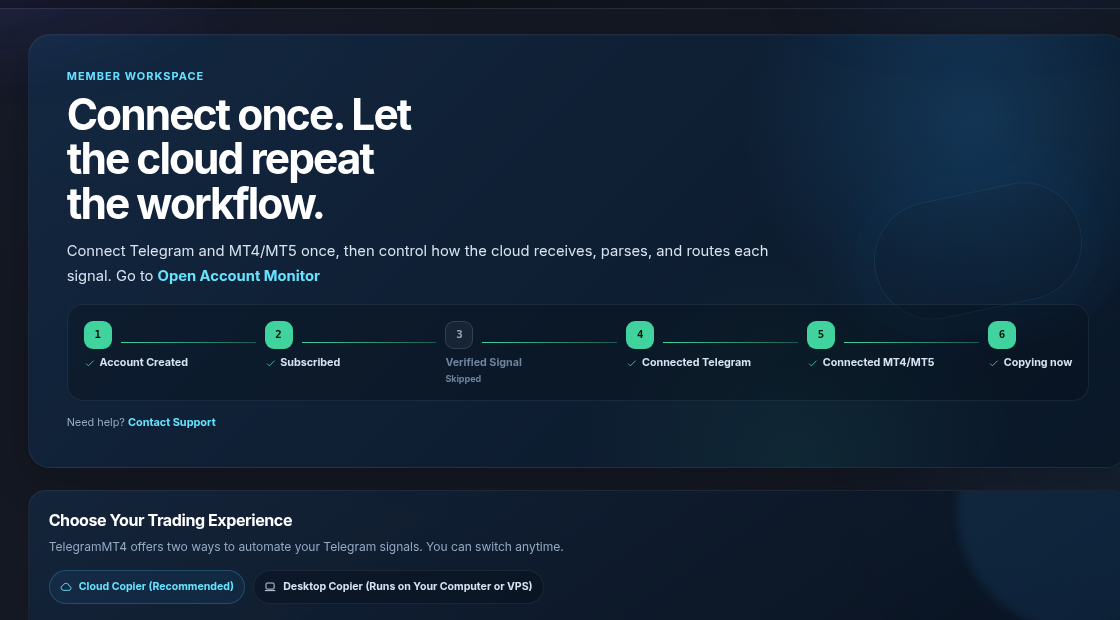
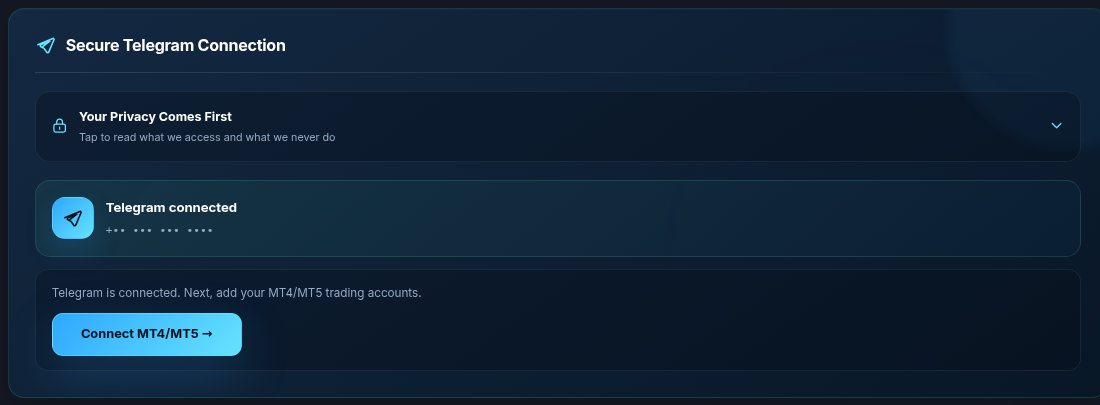
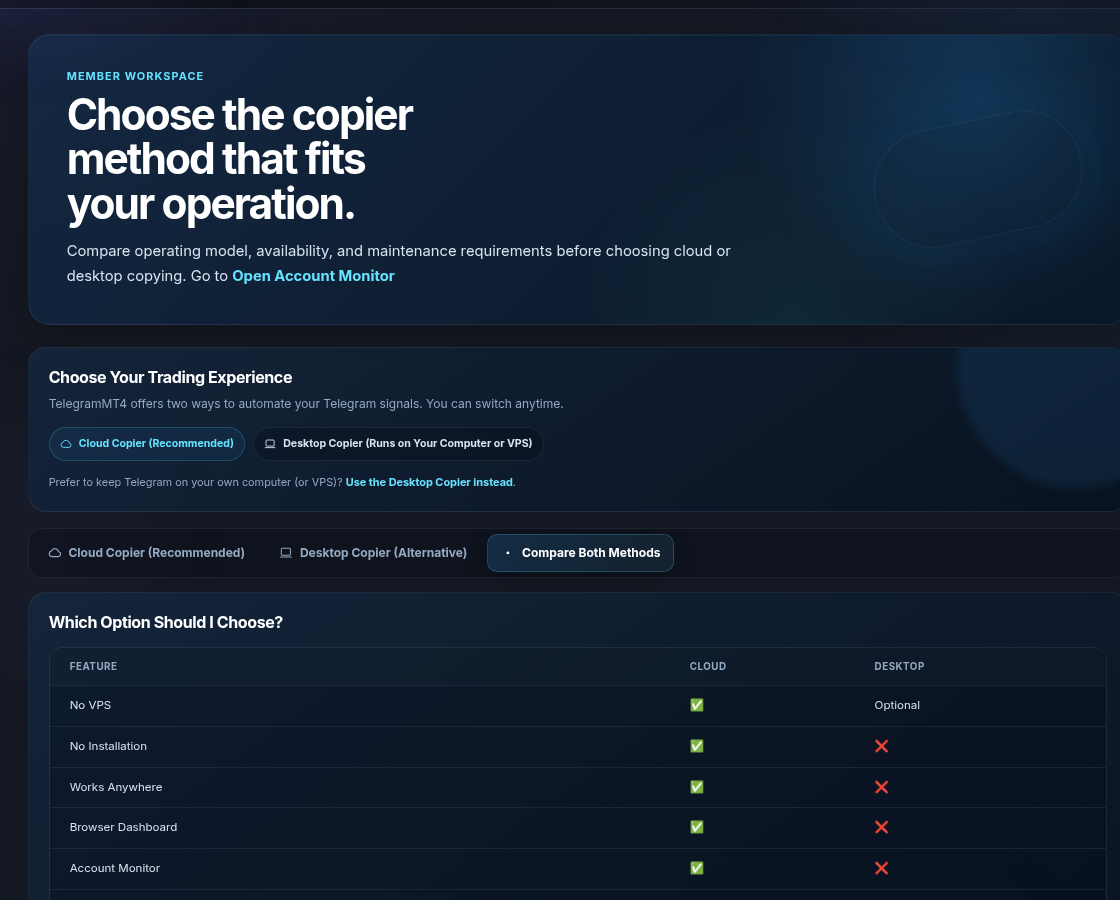
Same path as any account. Seven-day full-access trial. Cloud, no VPS, unless you choose Desktop.
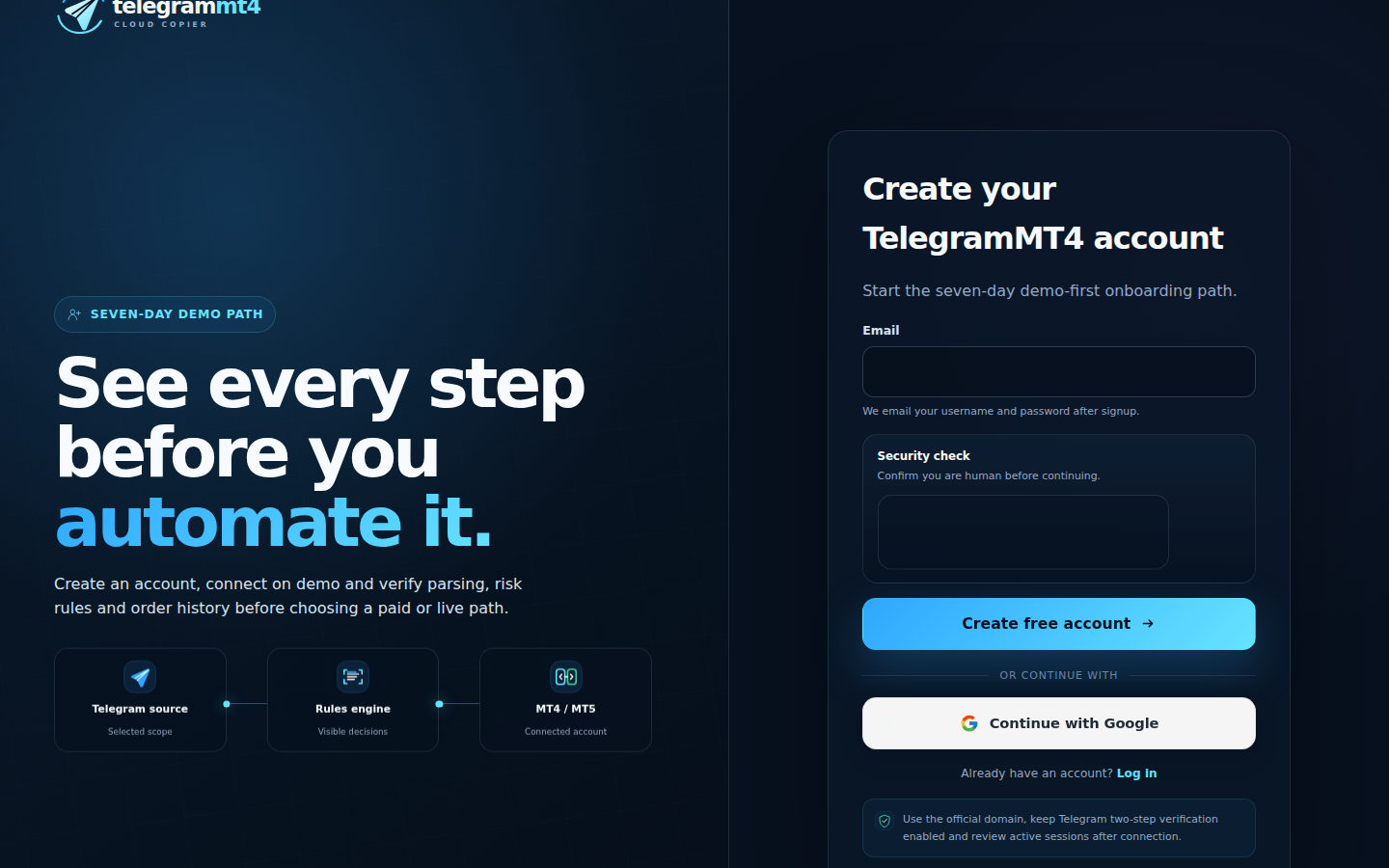
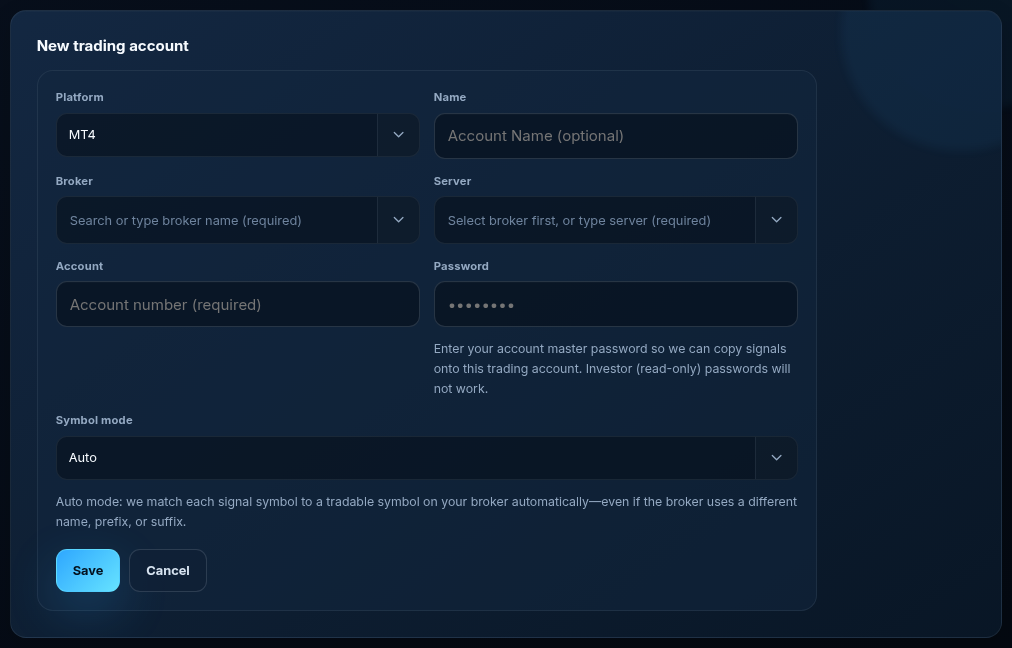
Leave Symbol mode on Auto unless the firm broker uses a gold name Auto does not cover. GOLD / XAUUSD / XAUUSD.a / XAUUSD.pro are the usual Auto case. Manual for the exception.

Edit settings on the channel. Fixed lots you can defend. Exclusion words so recap posts do not open trades. Same-symbol limits if the provider stacks entries. We will not publish a “guaranteed pass” preset. If the dashboard is Stopped, nothing copies — that is also a rule you control.
Some firms want you on their VPS. That is their hosting, not our Cloud. Desktop Copier can run on a Windows box you are allowed to use. Cloud does not need a VPS. Do not mix that with “the firm said no VPS” if they meant no unapproved software.
No. We do not attach an EA to the chart. We use the official MT4/MT5 API. They can still see the trades themselves.
No. A bad channel on a copier fails faster. We are software, not a prop firm.
No, and that is the wrong idea. Investor passwords will not work. The firm can already see the account.
Related: Signals not copying, Is a copier safe. Company: About. Risk: risk disclosure.
The article remains the source of the explanation. This supporting visual simply keeps the product workflow clear while the reader moves through the guide.
A supported XAUUSD message arrives from a Telegram source chosen by the user.
Source visibleDirection, symbol, entry, stop loss and take profit are structured before routing.
Rules visibleThe configured MT4 or MT5 destination receives the order and the event is recorded for review.
Result visibleConnect Telegram and your trading account from the browser dashboard — no VPS, no local install on the cloud path.